Place and Address Picker
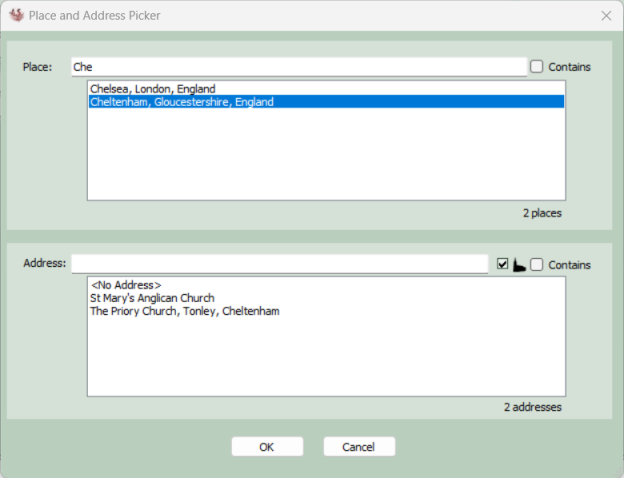
The picker is accessed via the small ... button to the right of any Place text box in Ancestral Sources. It allows a place, and optionally address to be searched and selected. This can be useful if the exact name or format of a place isn't known and can't be easily entered into the main place text box.
You can choose whether the text entered into the picker place and/or address fields has to match the start of the place/address being searched or is found anywhere within. When a place is selected, a list of addresses associated with the place is displayed, but selecting an address is optional. If the checkbox with the church icon is ticked, the addresses shown will only include those associated with baptism, burial and marriage records.