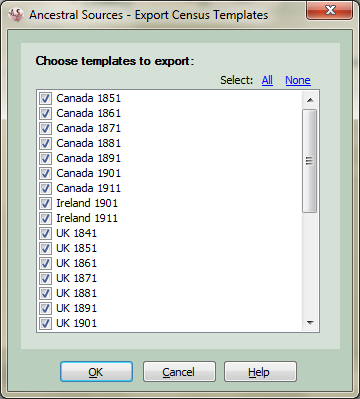
Census Template Export
This screen is accessed from the Census Template Editor. It can be used to copy census templates into another Ancestral Sources template settings file. For example, there may be a set of templates that you have created and wish to share with other users.
When the screen appears all templates are listed and each is selected/ticked. At any time you can click on the All link-button to select all templates, the None link-button to de-select all templates or click on individual templates to select or de-select them.
Once the relevant templates that you want to export are selected then click on the OK button. A file save dialogue will be displayed to allow you to save the xml file to your chosen location and with an appropriate name.
If you change your mind and decide not to export any templates then click on cancel.