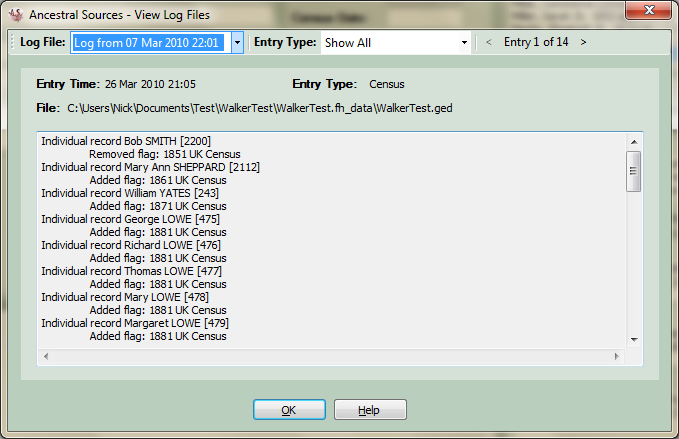
View Log Files
Changes that are made to the GEDCOM file, including creating facts, individuals, families, flags, etc. are all logged to a file stored in the Logs folder as specified in the Options screen.
To view the log files choose View Log Files from the Tools menu on the main screen.
This screen shows the contents of the log file for each entry made. Each log file can hold 200 entries or a maximum of 1 megabyte of data. A new log file will be created automatically if either of these limits are exceeded. The most recent log file is shown but previous log files can be accessed from a drop-down list at the top of the screen. The log file being viewed can be filtered to show particular source types, e.g. census entries, baptism entries, etc. Click on the arrow buttons to scroll through the entries.